
7 Best Sources for Apps With Free Trials in 2025: A Developer's Deep Dive
Unlock growth in 2025. We analyze 7 top platforms for apps with free trials, breaking down their gating, onboarding, and retention hooks for developers.
The free trial is more than just a marketing tactic; it's a critical conversion engine. For app developers and product managers, mastering the nuances of how users discover, start, and ultimately convert from a trial is the key to sustainable subscription growth. This guide moves beyond a simple directory of apps with free trials. Instead, we will dissect the strategic frameworks behind the most successful trial experiences on major platforms, from the Apple App Store and Google Play to niche marketplaces like Setapp and AppSumo.
This is not a surface-level overview. We will analyze the core components that drive high-performing trials, including their gating logic, paywall copy and design, onboarding flows, and the crucial retention hooks that turn curious users into paying customers. Think of each platform covered as a focused case study.
You will find a strategic breakdown packed with actionable insights that you can apply directly to your own app's monetization strategy. We provide specific, replicable tactics, complete with screenshots for visual reference and direct links for further exploration. For developers looking to accelerate implementation, we've included notes on how tools like Nuxie can help you build, test, and optimize a trial that not only attracts users but effectively converts them into a loyal subscriber base.
1. Google Play Store (Android)
The Google Play Store is the central hub for Android users to find, download, and manage their apps. While not a singular app offering a trial itself, it serves as a massive marketplace where millions of developers offer apps with free trials directly through the integrated Google Play Billing system. This makes it a primary destination for users seeking to test-drive premium mobile software before committing to a subscription.
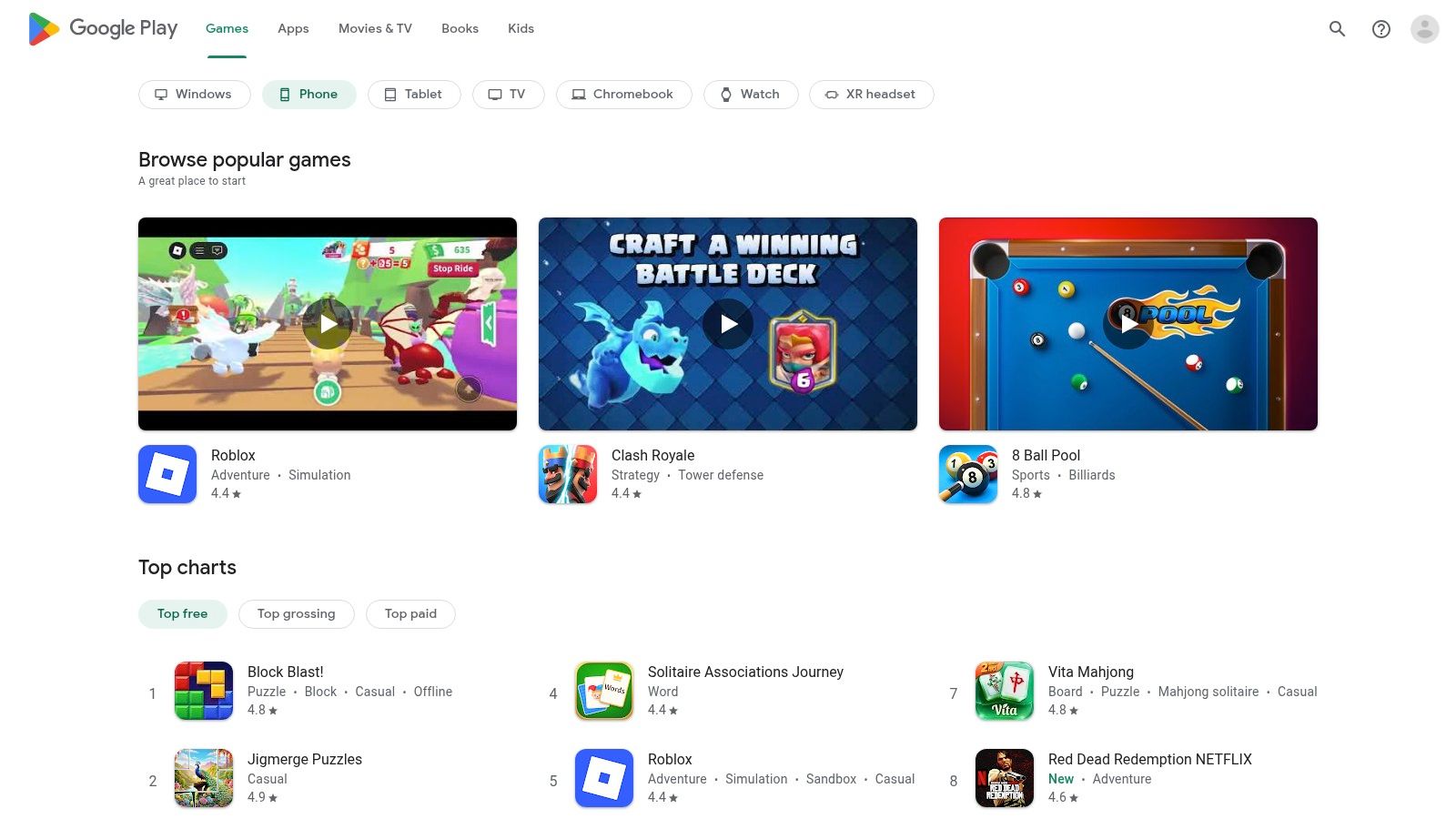
The platform's key advantage is its unified subscription management. Users can see all their active trials and subscriptions in one place (Account > Payments & subscriptions), simplifying the process of canceling a service before the trial period ends. This centralized control provides a layer of trust and convenience that encourages users to initiate trials more freely.
Strategic Breakdown & Takeaways
The Google Play Store’s trial mechanism is built on a "try-before-you-buy" model that requires a valid payment method upfront. This pre-authorization model is a powerful filter, ensuring that users who start a trial have a higher intent to purchase and reducing friction when it's time to convert.
- Gating Logic: Access to the trial is granted only after a user adds and validates a payment method. Google handles this validation, which often includes a temporary authorization hold to confirm the card is active. This significantly increases the likelihood of a successful auto-renewal.
- Retention Hooks: The hook is the seamless transition from trial to paid. Because the payment details are already stored and validated, the user doesn't need to take any action to become a paying customer. The responsibility shifts to the user to actively cancel, leveraging inertia to boost conversion rates.
- Onboarding: The trial activation flow is standardized and familiar to Android users. A one-tap "Start free trial" button on the app's store page leads to a clear pop-up displaying the trial length, post-trial price, and billing frequency. This consistency across apps reduces user hesitation.
Key Insight: Google’s ecosystem removes the operational burden from developers. By managing payment validation, subscription lifecycle notifications, and cancellation flows, it allows developers to focus on building a compelling trial experience within their app rather than on the complex billing infrastructure. For a deeper dive into optimizing your pricing on the platform, explore these strategies for offering Google Play discounts.
Pros and Cons
| Pros | Cons |
|---|---|
| Centralized subscription management | No universal store filter to find all free trials |
| Seamless one-tap trial activation | Requires a valid payment method upfront |
| Standardized and trusted billing system | Auto-charges if not canceled in time |
| High-intent users due to payment pre-auth | Temporary authorization holds may confuse users |
Visit the Google Play Store
2. Apple App Store (iPhone, iPad, Mac)
The Apple App Store is the exclusive digital marketplace for users of iPhones, iPads, and Macs. Similar to its Google counterpart, it functions as a vast ecosystem where developers offer apps with free trials for auto-renewable subscriptions. This makes it an essential destination for Apple users looking to evaluate premium software within a secure and familiar environment before making a financial commitment.
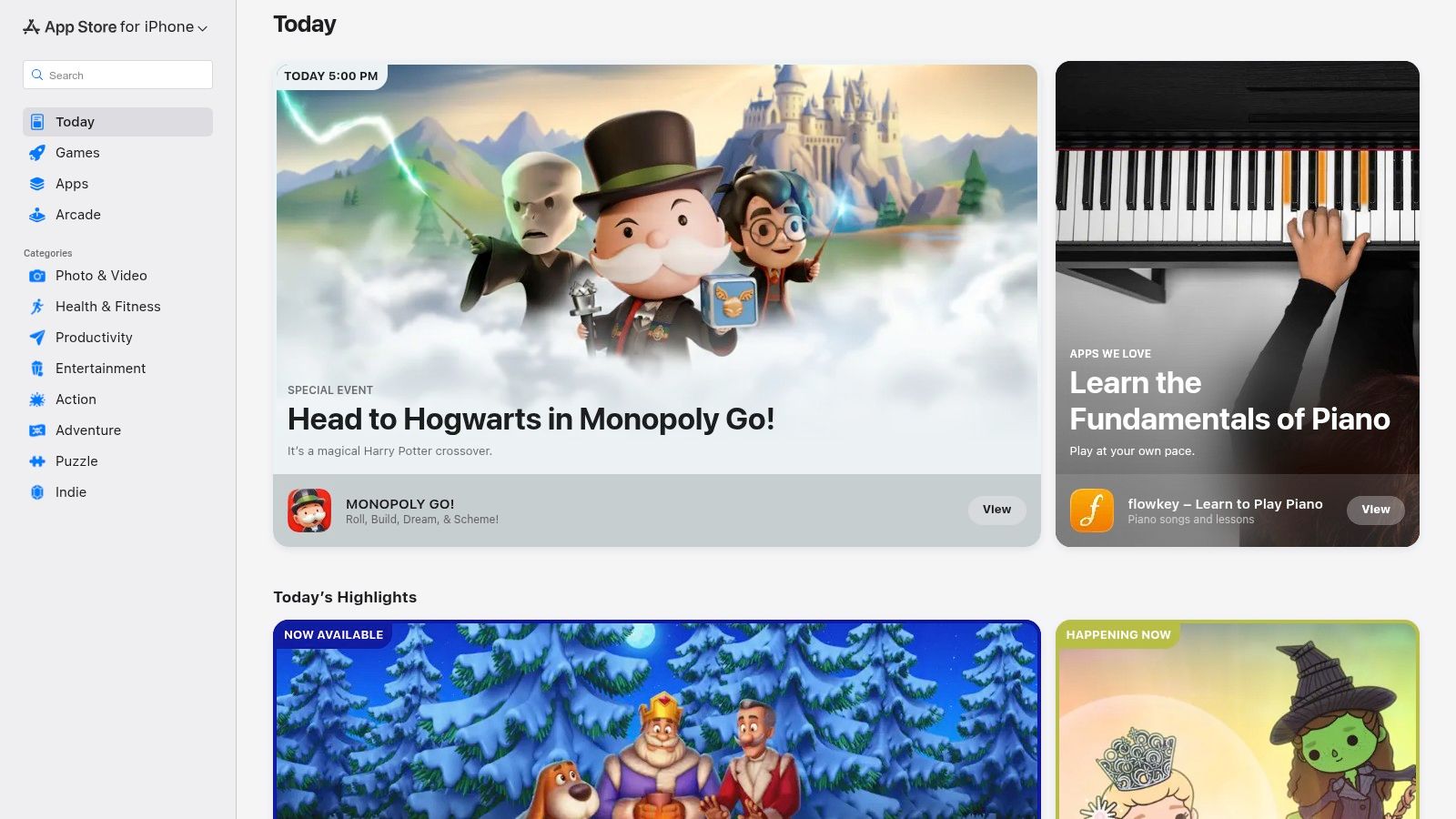
A core benefit of the App Store is its unified and user-centric subscription management system. Users can easily view and cancel all active trials and subscriptions from a single, accessible location within their device settings (Settings > Apple ID > Subscriptions). This streamlined control fosters trust and empowers users to try new apps with confidence, knowing they can opt out with just a few taps.
Strategic Breakdown & Takeaways
The App Store's trial model is predicated on Apple's introductory offer system, which requires users to authenticate a purchase upfront with Face ID, Touch ID, or their password. This action confirms their intent to subscribe post-trial, creating a high-quality lead for developers and ensuring a smooth conversion process from trial user to paying customer.
- Gating Logic: Access to a free trial is granted after a user explicitly confirms the subscription terms, which includes the post-trial price. Apple handles the payment method verification, ensuring that a valid card is on file for a seamless auto-renewal once the trial period concludes.
- Retention Hooks: The primary hook is the frictionless transition to a paid plan. By securing the user's payment authorization at the start of the trial, the system removes all barriers to conversion. The onus is on the user to proactively cancel, which leverages user inertia to maximize subscription uptake.
- Onboarding: The trial activation process is standardized across the entire iOS and macOS ecosystem. Apps present a native system pop-up that clearly outlines the trial duration, the price after the trial, and the renewal date. This consistency builds user trust and reduces friction during the sign-up flow.
Key Insight: Apple’s ecosystem abstracts away the complexities of billing and subscription management, allowing developers to concentrate on creating value within their app. By providing a trusted, standardized framework for payments, notifications, and cancellations, Apple enables developers to focus entirely on perfecting their product's trial experience. To optimize this journey, consider exploring the nuances of a great product free trial.
Pros and Cons
| Pros | Cons |
|---|---|
| Trusted billing and straightforward cancellation | No global store filter to discover all trial offers |
| Centralized subscription management via Apple ID | Requires subscription confirmation upfront |
| Consistent billing rules across all Apple devices | Automatically charges if not canceled in time |
| Broad catalog of consumer and professional apps | Discovery of trials happens on a per-app basis |
Visit the Apple App Store
3. Microsoft Store (Windows)
The Microsoft Store is the official digital marketplace for Windows, offering a wide array of applications, games, and entertainment. For developers and users of desktop software, it provides a structured platform where publishers can offer apps with free trials, creating a secure and streamlined way for consumers to evaluate premium software before making a purchase. This integration makes it a go-to source for Windows users looking to test powerful desktop tools.
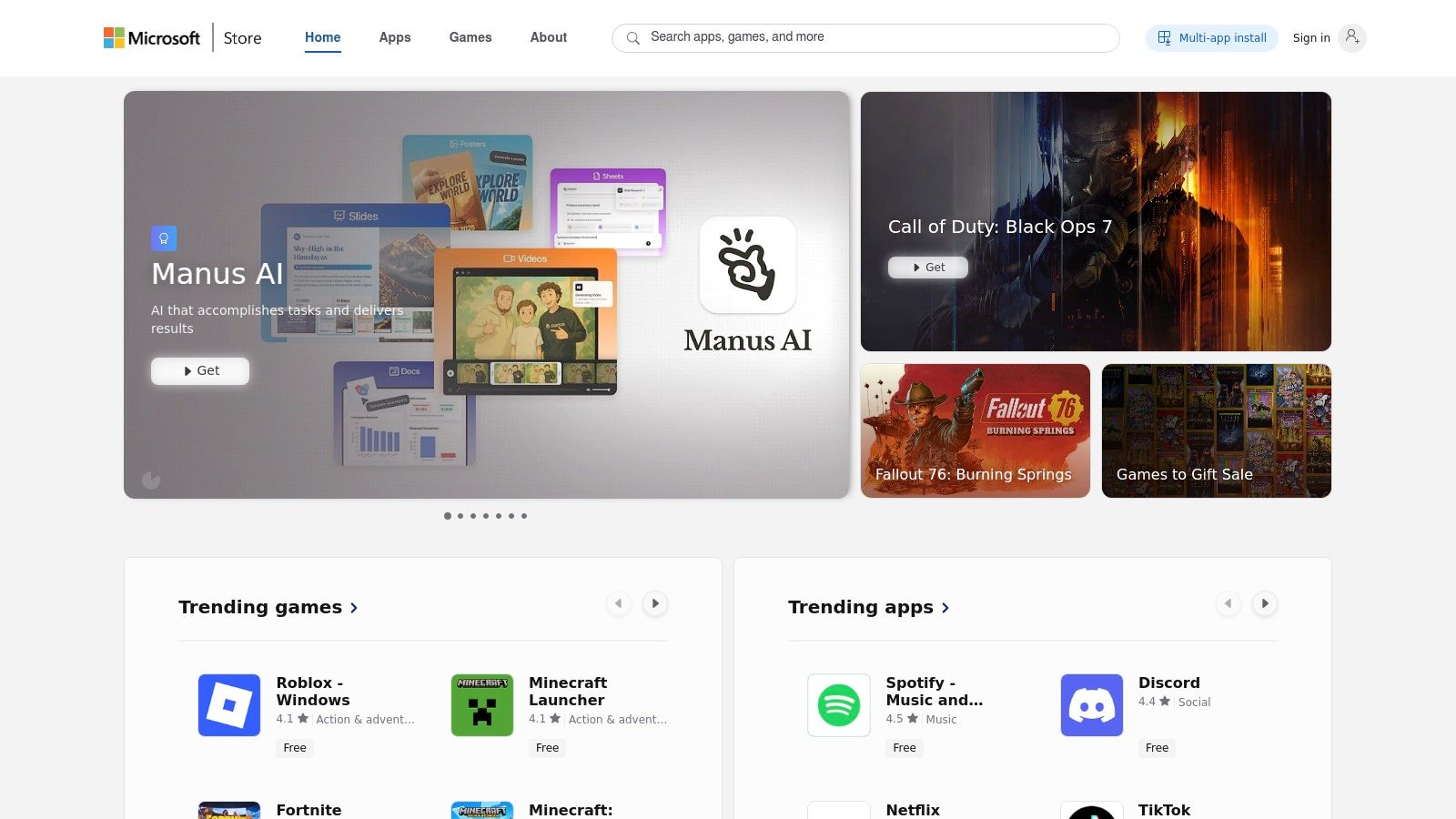
A key differentiator for the Microsoft Store is the flexibility it grants developers in structuring their trials. Unlike the strictly time-based trials common on mobile, publishers here can choose between time-limited access (e.g., 7 or 30 days) or feature-limited trials. This allows users to test the core functionality of an app indefinitely but requires an upgrade to unlock advanced features, catering to different user evaluation patterns.
Strategic Breakdown & Takeaways
The Microsoft Store’s trial model is built on publisher flexibility and deep OS integration. When a user initiates a trial, the experience is managed directly within their Microsoft account, providing a unified path from discovery and installation to the eventual upgrade. The store handles the licensing, which simplifies the conversion process significantly.
- Gating Logic: Publishers can choose their own gating strategy. A time-limited trial grants full access for a set period, creating urgency. A feature-limited trial, on the other hand, acts as a freemium model, allowing users to integrate the app into their workflow before hitting a paywall for premium features.
- Retention Hooks: The hook is the seamless in-app upgrade path. Once a user decides to buy, they can typically purchase the full license directly from within the trial app or the store listing. Because they are already logged into their Microsoft account, the transaction is often just a few clicks, removing significant purchase friction.
- Onboarding: The trial begins with a clear "Free trial" button on the app's product page. This initiates a standard download and installation process familiar to all Windows users. The app itself is then responsible for communicating the trial limitations, such as a countdown timer or locked features.
Key Insight: Microsoft’s model gives developers control over the trial experience itself. By allowing both time- and feature-based limitations, it empowers publishers to align the trial model with their app’s specific value proposition. A complex creative tool might benefit from a feature-gated trial, whereas a productivity utility might see higher conversions from a time-gated one.
Pros and Cons
| Pros | Cons |
|---|---|
| Flexible trial models (time or feature-limited) | Trial availability is inconsistent across apps |
| Clear "Free trial" button on store listings | Discovery of apps with trials can be difficult |
| Integrated licensing and upgrade path | Relies on the publisher to implement the in-app upsell |
| Deeply integrated into the Windows ecosystem | Some older versions of Windows have limited store functionality |
Visit the Microsoft Store
4. Shopify App Store (for Shopify stores)
The Shopify App Store is an essential marketplace for e-commerce merchants looking to enhance their online stores with specialized functionality. It acts as a curated directory where developers offer third-party applications, and a significant portion of these provide apps with free trials. This ecosystem allows store owners to test powerful new tools for marketing, shipping, or inventory management before committing to a monthly subscription fee.
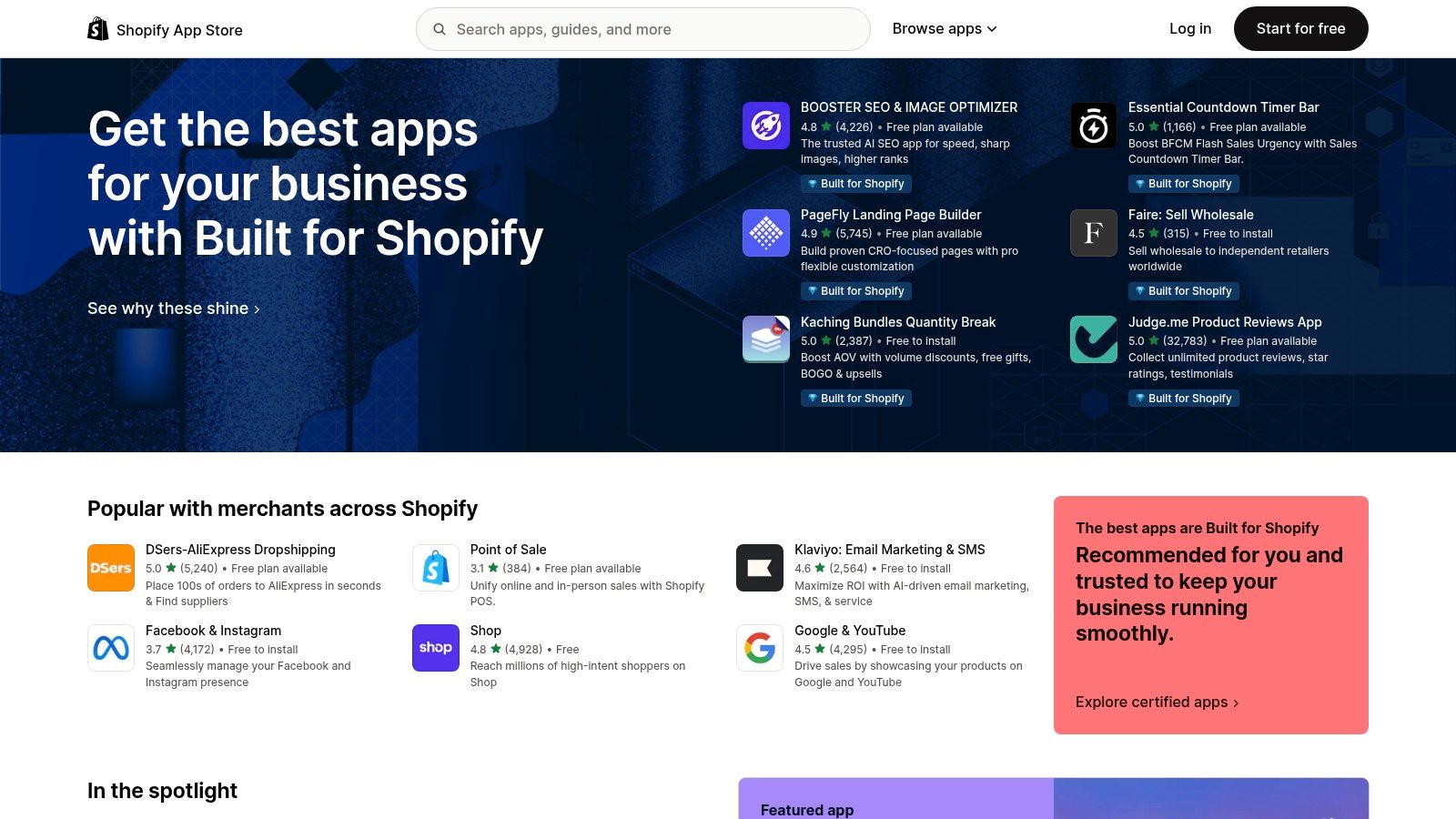
A key advantage of the platform is its transparency and integration with the Shopify billing system. Each app listing page clearly outlines the available pricing plans, features included in each tier, and the specific length of the free trial. This upfront information, combined with a standardized installation process, empowers merchants to make informed decisions and experiment with new tools with minimal risk.
Strategic Breakdown & Takeaways
The Shopify App Store's trial model is built around a "confirm charge" flow. Merchants must approve a recurring charge upfront, which Shopify then automatically activates once the free trial period concludes. This system benefits both developers, by securing a payment method, and merchants, by centralizing all app subscriptions within their main Shopify bill.
- Gating Logic: Access to an app's trial requires an active Shopify store and the merchant's approval of a future recurring charge. Shopify's Billing API handles this authorization, ensuring the merchant has a valid payment method on file and understands the post-trial cost. This pre-approval dramatically increases payment success rates.
- Retention Hooks: The hook is the app's immediate value to the merchant's business. A successful trial demonstrates a clear return on investment, whether through increased sales, saved time, or improved customer experience. The billing is seamlessly integrated, so the merchant only needs to take action if they decide the app is not a good fit.
- Onboarding: The installation flow is unified. A merchant clicks "Add app," reviews the permissions, and is then directed to approve the subscription terms. The app developer is then responsible for the in-app onboarding to guide the merchant toward the "aha!" moment, where they see the tool's value.
Key Insight: Shopify standardizes the commercial framework (billing, discovery, installation), allowing developers to focus entirely on solving a specific merchant problem. The trial period becomes a critical window to prove the app's value and integrate it deeply into the merchant's daily workflow, making it indispensable by the time the first charge occurs.
Pros and Cons
| Pros | Cons |
|---|---|
| Transparent pricing and trial info on listings | Requires an active Shopify store to install apps |
| Centralized billing through Shopify invoice | Most trials require confirming a recurring charge upfront |
| Large catalog of specialized business apps | Trial effectiveness depends on the app's quality |
| Standardized and trusted installation process | Discoverability can be challenging in a crowded market |
Visit the Shopify App Store
5. Setapp (Mac and iOS companion apps)
Setapp is a subscription service that provides access to a curated library of over 260 premium Mac and iOS applications for a single monthly fee. It positions itself as the "Netflix for apps," offering a compelling alternative to purchasing individual software licenses. The platform’s core offering includes a full-featured 7-day free trial that unlocks the entire catalog, allowing users to explore a vast range of tools without any limitations.
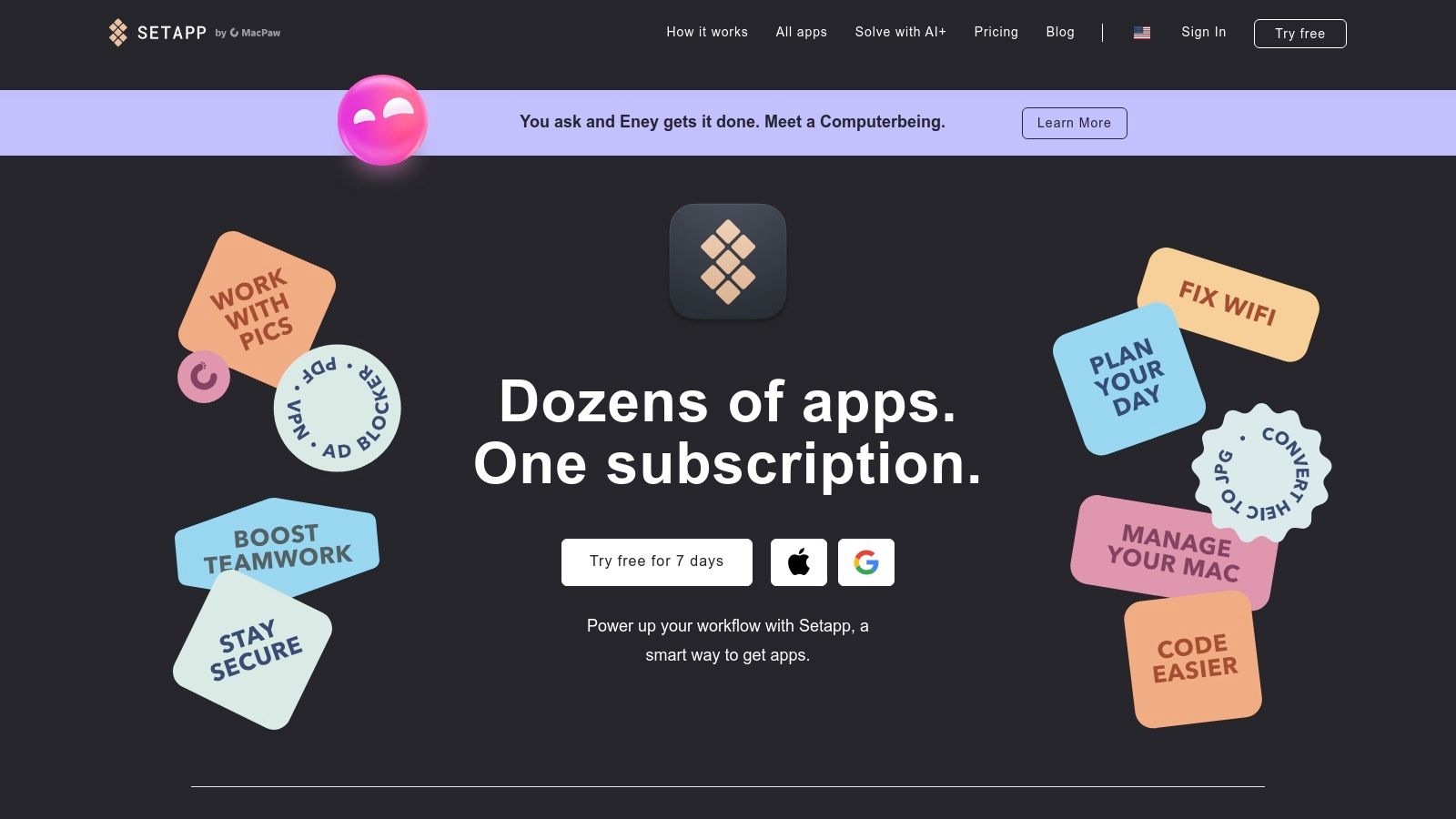
What makes Setapp a standout example is its value proposition: one trial grants access to dozens of premium products. This model is particularly effective for users who need multiple specialized tools for productivity, development, or creative work. By bundling high-quality software like Ulysses, CleanMyMac X, and Paste, Setapp encourages deep exploration and makes the transition to a paid subscription feel like an indispensable investment.
Strategic Breakdown & Takeaways
Setapp’s trial strategy hinges on overwhelming value and habit formation. By giving users unrestricted access to a massive toolkit, the platform encourages them to integrate multiple apps into their daily workflows. The 7-day period is just long enough for users to discover a few "can't-live-without" applications, making the decision to subscribe much easier.
- Gating Logic: Access is granted after creating an account, but a payment method is required to initiate the free trial. This pre-authorization model ensures a high-intent user base and facilitates a frictionless conversion to a paid plan once the trial concludes.
- Retention Hooks: The primary hook is the "collection." Once a user starts relying on several apps from the Setapp suite, the cost of subscribing becomes far more economical than purchasing each app individually. This creates a strong dependency on the ecosystem, significantly reducing churn.
- Onboarding: The onboarding process guides users to install the Setapp desktop client, which acts as a dedicated app store. From there, users can browse, discover, and install any application with a single click, removing the friction of visiting multiple websites or stores.
Key Insight: Setapp’s success demonstrates the power of a bundled value proposition. Instead of selling one app, they sell a solution to a user’s entire workflow. The free trial is not just for one product but for a complete ecosystem, which fundamentally changes the user's perception of value and makes the subscription fee feel like a bargain.
Pros and Cons
| Pros | Cons |
|---|---|
| One trial unlocks 260+ premium apps | Subscription model means you don't own app licenses |
| Excellent value for power users | Best suited for Mac-first users; iOS access is limited |
| Simple, centralized billing and app updates | Some popular mainstream apps are not in the catalog |
| Discover high-quality, curated software | Requires an active internet connection to authorize apps |
Visit Setapp
6. AppSumo (SaaS deals marketplace)
AppSumo is a unique marketplace offering heavily discounted software deals, often in the form of lifetime access. While not a traditional trial platform, it functions as a powerful discovery engine for new tools, allowing users to test software extensively through its generous money-back guarantee. This model essentially creates a paid, long-term trial, positioning it as a key resource for entrepreneurs and businesses looking for apps with free trials or low-risk evaluation periods.
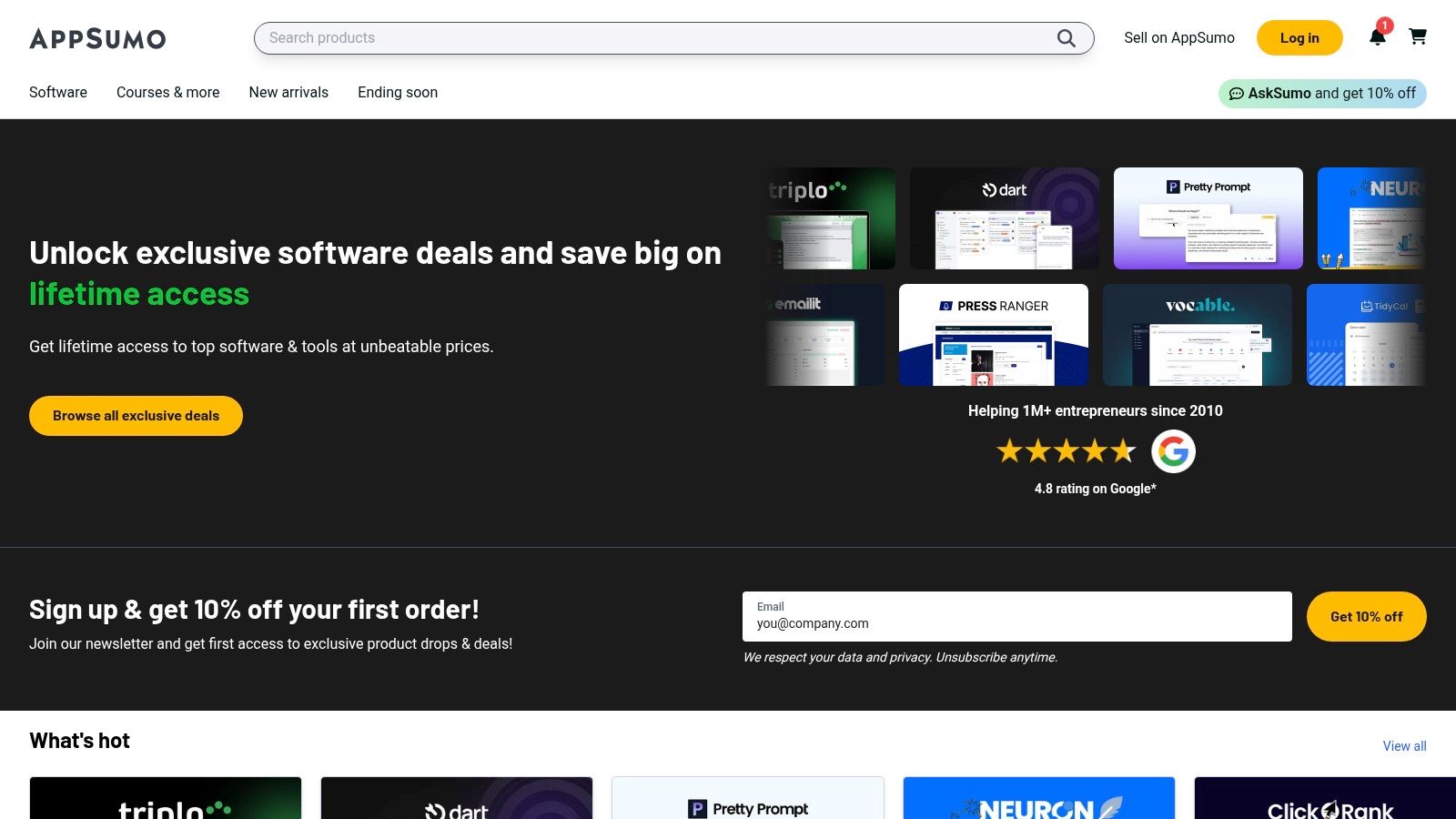
The platform’s core appeal is its 60-day refund window on most purchases, which gives buyers ample time to integrate a tool into their workflow and decide if it’s a good fit. This extended evaluation period is far longer than the typical 7 or 14-day trial, providing a much deeper, risk-free assessment. Users manage their purchases and can initiate refunds directly from their account dashboard, making the process straightforward.
Strategic Breakdown & Takeaways
AppSumo's model is a "buy-to-try" system, where the user pays upfront for a lifetime or annual deal and retains the option to get a full refund. This approach is highly effective for both buyers, who get a real-world testing environment, and vendors, who acquire highly engaged initial users and valuable early feedback.
- Gating Logic: Access is granted after a full purchase of a discounted deal. The "trial" is the 60-day money-back guarantee, which serves as a safety net. This model ensures that only users with a high level of interest and intent make the initial purchase.
- Retention Hooks: The primary hook is the incredible value of the lifetime deal (LTD). Once a user integrates the tool and confirms its value within the 60-day window, the prospect of keeping it forever for a one-time fee is a powerful incentive to not request a refund. Vendors focus on strong onboarding and support during this period to prove their product's worth.
- Onboarding: Onboarding is handled entirely by the individual software vendor after the purchase is made on AppSumo. The marketplace facilitates the transaction, but the user experience post-purchase depends on the quality of the SaaS provider's own welcome flow, documentation, and customer support.
Key Insight: AppSumo leverages the power of a strong guarantee to de-risk the purchase of new or lesser-known software. For vendors, it’s a strategic launchpad to acquire a large cohort of early adopters. For buyers, it’s a sandbox for testing tools with real stakes but no long-term risk. Crafting the right deal is crucial, and you can explore more about effective pricing and packaging strategies.
Pros and Cons
| Pros | Cons |
|---|---|
| Generous 60-day refund period for low-risk trials | Upfront payment is required to start "testing" |
| Access to lifetime deals provides immense long-term value | Product quality and support levels can vary widely |
| Great for discovering new and emerging SaaS tools | Some deals have exceptions and are not refundable |
| Self-serve refund process is simple and user-friendly | Excessive refunds can lead to account limitations |
Visit AppSumo
7. AlternativeTo (software discovery with a 'Free trial' filter)
AlternativeTo is a crowdsourced software discovery platform that helps users find better alternatives to apps they already know. While it doesn't host trials itself, its powerful filtering system makes it an invaluable resource for finding apps with free trials across nearly every category imaginable, from productivity suites to niche design tools. It acts as a meta-directory, pointing users directly to vendor websites where they can sign up.
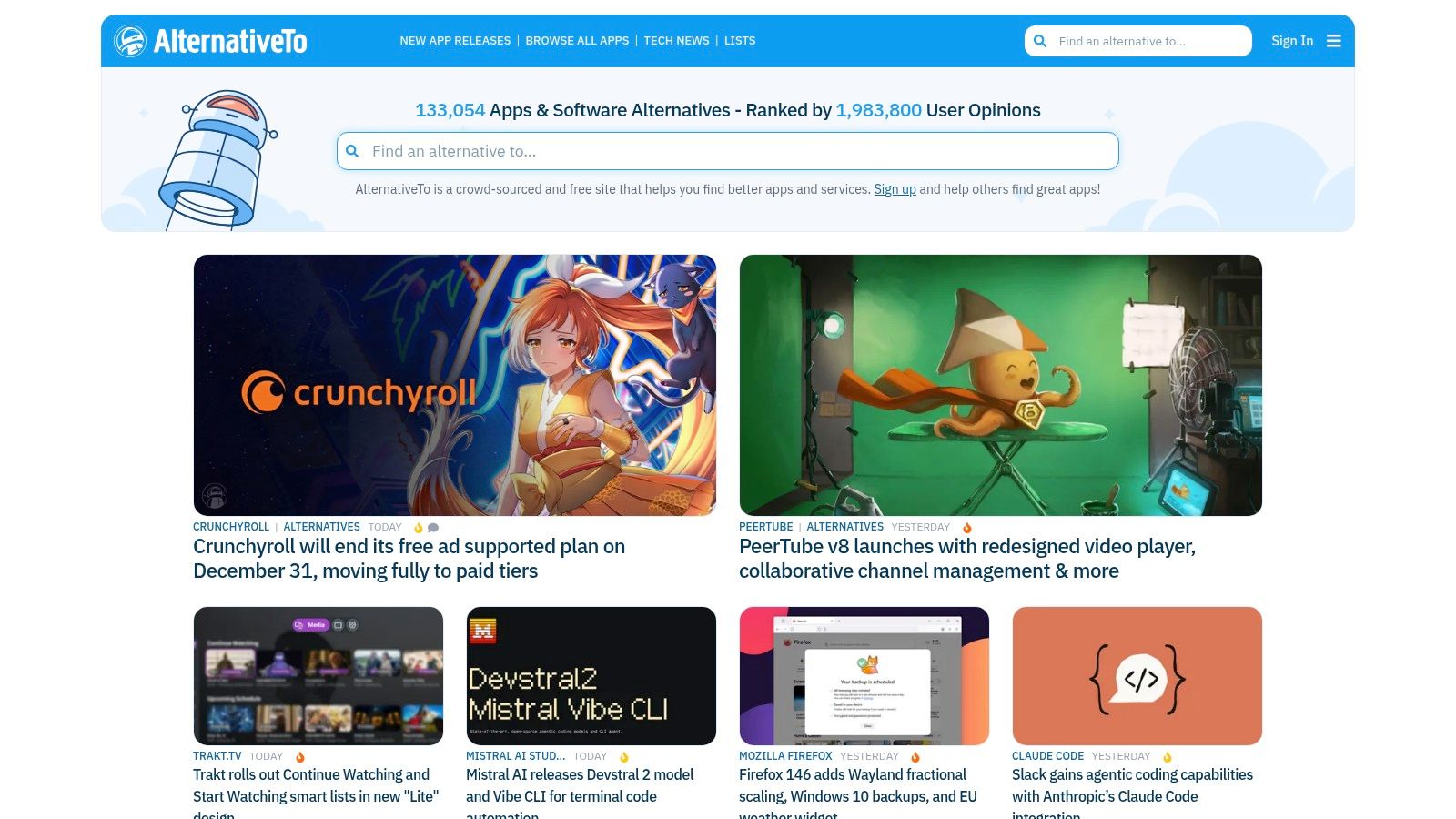
The platform's core strength is its dedicated "Free trial" license filter, which instantly narrows down vast software categories to only those products offering a try-before-you-buy experience. This empowers users to compare multiple trial-based options side-by-side, making it a critical first step in the software evaluation process for both consumers and businesses.
Strategic Breakdown & Takeaways
AlternativeTo's model is centered on user intent and discovery, acting as a high-quality referral source for software companies. By aggregating trial-based software, it captures users at the precise moment they are actively seeking to evaluate and potentially purchase a new tool. Developers listed on the site benefit from this pre-qualified traffic.
- Gating Logic: The gating logic is entirely external and managed by each individual vendor. AlternativeTo's role ends at the referral link; from there, the user engages with each app's unique trial onboarding flow, which could range from no-card-required to mandatory payment pre-authorization.
- Retention Hooks: Since AlternativeTo is a discovery engine, it has no direct retention hooks. Instead, its value lies in driving traffic to a developer's own conversion funnel. A strong listing with positive user reviews serves as a "pre-hook," building social proof before the user even lands on the app's website.
- Onboarding: The onboarding experience is a user-initiated search. A user typically searches for a well-known app (e.g., "Photoshop"), then applies filters like "macOS" and "Free trial" to find competitors. The streamlined discovery process reduces friction in finding relevant trial offers.
Key Insight: AlternativeTo decouples trial discovery from trial execution. For developers, being listed with an accurately tagged "Free trial" option is a low-effort, high-impact marketing tactic. It places your product directly in the consideration set of users who are actively comparing solutions and have a high propensity to start a trial.
Pros and Cons
| Pros | Cons |
|---|---|
| Efficiently discovers trial-friendly apps | Does not host or manage the trials directly |
| Crowdsourced reviews offer social proof | Listing quality and information can be inconsistent |
| Multiple filters refine searches (OS, license) | Users must navigate different sign-up flows for each app |
| Excellent for comparing competing trial offers | No centralized subscription management |
Visit AlternativeTo
Free Trial Comparison of Top 7 App Platforms
| Marketplace | Complexity 🔄 | Resource requirements ⚡ | Expected outcomes 📊⭐ | Ideal use cases 💡 | Key advantages ⭐ |
|---|---|---|---|---|---|
| Google Play Store (Android) | Low for users; devs require Play Billing integration | Google account + valid payment method; devs implement billing | Seamless trial activation with auto-renewal risk; good Android reach; ⭐⭐ | Mobile subscription discovery and trials on Android | One-tap trials, centralized subscription management |
| Apple App Store (iPhone, iPad, Mac) | Low for users; devs configure introductory offers in App Store Connect | Apple ID + payment method; devs set up subscription offers | Consistent billing and cross‑device behavior; auto‑renewal if not canceled; ⭐⭐ | Apple ecosystem subscriptions and professional apps | Trusted billing, family sharing, uniform rules across devices |
| Microsoft Store (Windows) | Low for users; publishers set trial types in Partner Center | Microsoft account; trial availability varies by publisher | Clear "Free trial" when offered; desktop reach depends on publisher; ⭐ | Desktop app trials and full‑feature testing on Windows | One‑click trial/upgrade, integrated install/update path |
| Shopify App Store (for Shopify stores) | Low for merchants; apps configure trials per plan | Shopify store/account and billing required | Transparent plan/trial info on listings; merchant‑focused conversion; ⭐⭐ | Merchants evaluating ecommerce extensions and integrations | Clear pricing, plan‑level trial controls, broad app catalog |
| Setapp (Mac + iOS companions) | Very low for users (single bundle trial) | Mac (and optional iOS) users; simple subscription sign-up | Full access to many premium apps during trial; high comparative value; ⭐⭐⭐ | Mac users wanting to try multiple paid apps quickly | One trial unlocks dozens of apps, simple centralized billing |
| AppSumo (SaaS deals marketplace) | Medium — purchase/refund model vs. traditional trials | Account + payment; rely on refund policy (30–60 days typical) | Low‑risk evaluation via generous refund windows; product quality varies; ⭐⭐ | SMBs seeking discounted or lifetime SaaS deals | Large discounts, generous refund windows, curated deals |
| AlternativeTo (discovery with "Free trial" filter) | Very low — discovery only (no billing) | No account required to browse; links to vendor sites to start trials | Fast discovery of trial-capable alternatives; trials start on vendor sites; ⭐ | Researching competing apps that offer trials across platforms | Robust filters (incl. "Free trial"), broad crowdsourced listings |
From Insight to Implementation: Your Action Plan for a High-Converting Trial
We've journeyed through the diverse ecosystems where apps with free trials thrive, from the tightly integrated storefronts of Apple and Google to specialized marketplaces like Setapp and AppSumo. Across these platforms, a clear pattern emerges: the most successful free trials are not merely timed access to features. They are meticulously crafted, data-driven experiences designed to guide a user from curiosity to conviction.
The core lesson from our analysis is that context is king. A trial's length, its gating logic, and the design of its paywall must align perfectly with your app's value proposition and the user's journey. What works for a high-complexity SaaS tool on the Microsoft Store will not resonate with a casual user discovering a utility on the App Store. The key is to stop thinking of a trial as a simple on/off switch and start viewing it as a dynamic, strategic onboarding tool.
Your Strategic Takeaways Synthesized
To transform these insights into action, let's distill the most critical principles we've uncovered. These are the foundational pillars upon which a high-performing trial strategy is built.
- The "Aha!" Moment is Your North Star: Your primary goal is to lead the user to their "aha!" moment as quickly and frictionlessly as possible. Design your trial onboarding to showcase the one or two key outcomes that make your app indispensable.
- Value Before the Ask: Never present a paywall before the user understands what they stand to gain. Whether it's through a limited-feature free tier or a carefully guided onboarding flow, demonstrating value first is non-negotiable. The best apps with free trials master this exchange.
- Segmentation is Essential: A one-size-fits-all trial is a missed opportunity. Segment users based on their acquisition channel, initial behavior, or demographic data to offer tailored trial lengths and messaging. A power user from a trusted referral source may warrant a different offer than a casual browser.
- Clarity Conquers Confusion: Your paywall copy must be exceptionally clear. Explicitly state the trial length, what happens when it ends, the full price, and how to cancel. Ambiguity is the enemy of conversion.
Building Your Implementation Roadmap
Armed with these strategic principles, your next step is to translate them into a concrete implementation plan. This isn't about copying another app's strategy wholesale; it's about adapting these proven concepts to your unique product and audience.
- Map the User Journey: Before touching a line of code, diagram the ideal path for a new user. Identify the key activation points where they experience your app's core value. This is where your trial offer should be triggered for maximum impact.
- Hypothesize and Test: Formulate clear hypotheses for your trial strategy. For example: "We believe a 7-day trial with three key features unlocked will convert better than a 3-day full-access trial because it reduces overwhelm."
- Design for Persuasion: Craft your paywall and upgrade prompts using the insights from our examples. Use strong benefit-oriented headlines, clear social proof (like user testimonials or ratings), and a single, compelling call to action.
- Instrument and Analyze: Implement robust analytics to track key metrics. Go beyond simple conversion rates. Monitor trial start rates, feature engagement during the trial, and cancellation reasons to get a full picture of performance.
- Iterate Relentlessly: A successful trial is never "finished." Use the data from your analysis to continuously run A/B tests on trial length, paywall design, pricing, and messaging. The most profitable apps with free trials are those that never stop optimizing.
Ultimately, the journey from a good app to a great business is paved with thoughtful experimentation. The platforms and examples we've explored provide the blueprint. By combining these strategic insights with a commitment to testing and iteration, you can build a free trial experience that not only delights users but also becomes a powerful, predictable engine for revenue growth.
Ready to move from strategy to execution without the engineering overhead? Nuxie empowers you to visually build, A/B test, and deploy dynamic paywalls and trial offers in minutes, not months. Implement the sophisticated strategies from this article today by visiting Nuxie and see how top developers are accelerating their subscription growth.